JSON is everywhere: API responses, config files, logs, analytics exports. It's also unreadable when minified, unforgiving about a single trailing comma, and often sensitive. Pasting a production payload into the first online formatter you find is a habit worth breaking.
This guide covers formatting, validating, comparing and transforming JSON with tools that run locally in your browser.
Format it
The fastest formatter is already in the Console:
// Pretty-print with two-space indentation
copy(JSON.stringify(JSON.parse(raw), null, 2));

// Or explore an object interactively
console.dir(JSON.parse(raw));
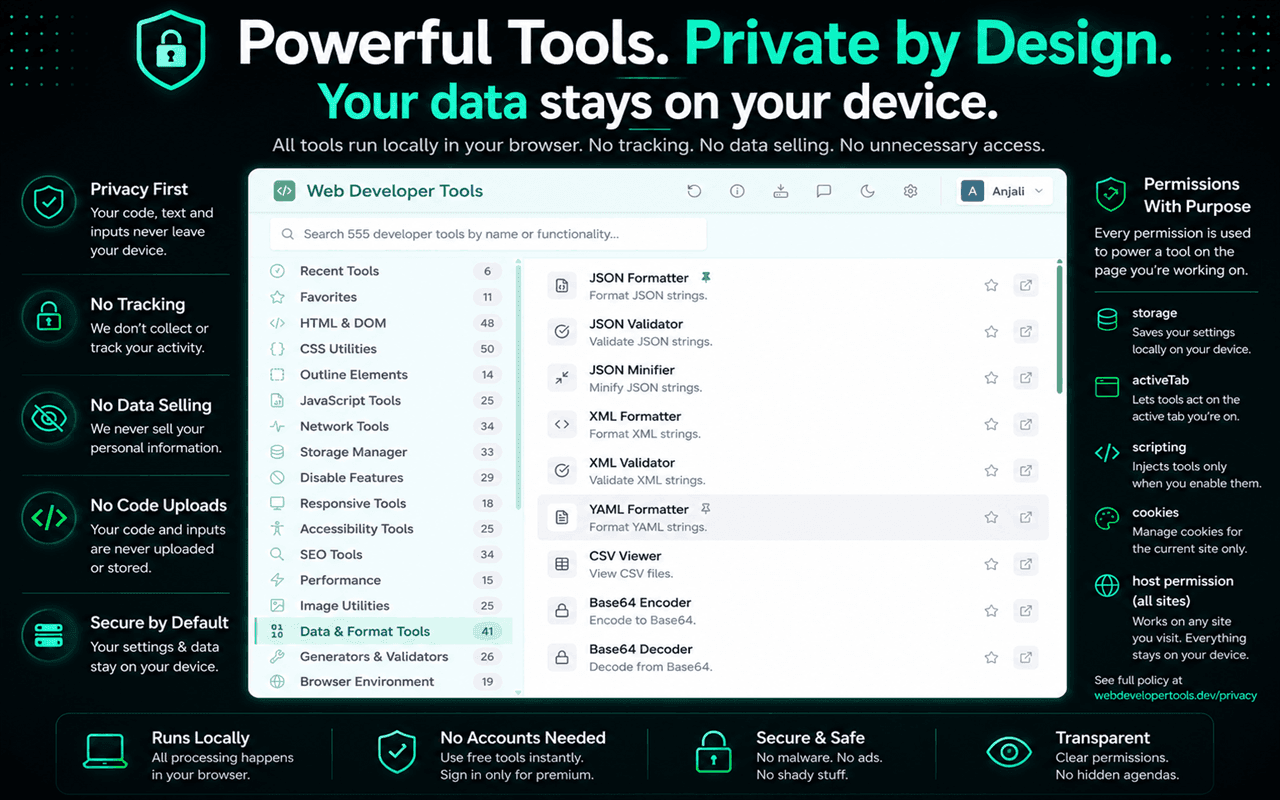
copy() is a DevTools helper that puts the result on your clipboard.For API responses, the Network panel's Preview tab shows a collapsible tree. In Web Developer Tools, the Data & Format Tools category has a JSON Formatter, JSON Minifier, JSON Tree Viewer and JSON Sort Keys, and Copy Response Body grabs a response straight from the page.
Validate it: find the character that breaks it
JSON.parse error messages point to a position, not a reason. These are the usual culprits:
| Mistake | Invalid | Valid |
|---|---|---|
| Trailing comma | {"a": 1,} | {"a": 1} |
| Single quotes | {'a': 1} | {"a": 1} |
| Unquoted keys | {a: 1} | {"a": 1} |
| Comments | {"a": 1 // note} | Remove comments, or use JSONC where supported |
undefined, NaN | {"a": undefined} | {"a": null} |
| Unescaped quotes or newlines in strings | "say "hi"" | "say \"hi\"" |
A validator such as JSON Validator points to the line and column of the first error. Fix it, re-validate, and repeat: like HTML, one mistake often causes the next error message.
Validate the shape, not just the syntax
Valid JSON can still be wrong: a missing field, a number sent as a string, an empty array where an item was required. JSON Schema describes what a payload should look like so you can check it automatically.
{
  "type": "object",
  "required": ["id", "email", "plan"],
  "properties": {
    "id": { "type": "integer" },
    "email": { "type": "string", "format": "email" },
    "plan": { "enum": ["free", "pro"] }
  }
}JSON Schema Validator checks a payload against a schema and lists every violation, and JSON Schema Generator writes a starting schema from an example you paste in.
Compare two payloads
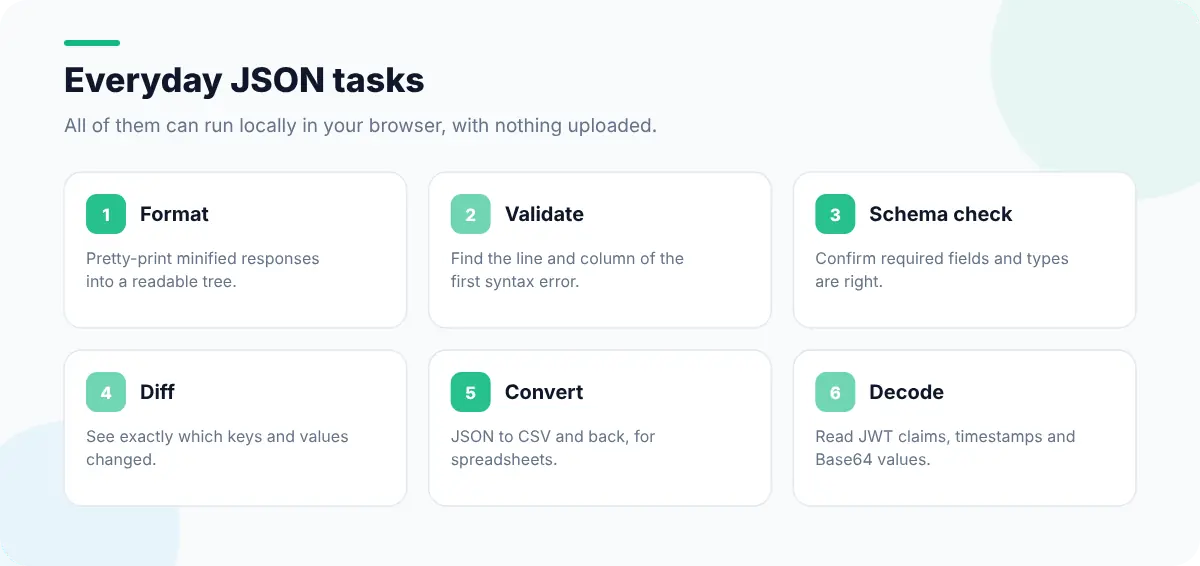
"It worked yesterday" often means the API response changed. Compare yesterday's payload with today's using JSON Diff Viewer, which ignores formatting differences and shows only the keys and values that changed. Sorting keys first (JSON Sort Keys) makes text diffs readable too.
Convert and decode
- JSON to CSV and CSV to JSON move data between APIs and spreadsheets.
- JSON Path Explorer finds the path to a deeply nested value, ready to use in code.
- JWT Decoder shows the header and payload of a JSON Web Token so you can check claims and the expiry time (
exp). - Timestamp Converter turns Unix timestamps in payloads into readable dates.
- Base64 Decoder and URL Decoder unwrap values that arrive encoded.
Keep sensitive data local
API payloads often contain emails, tokens and internal IDs. Online formatters may log what you paste. Tools that run inside your browser keep that data on your machine, which is the main reason to prefer them. Every Web Developer Tools data tool runs locally, with no uploads.
To capture the response in the first place, see how to view HTTP headers in Chrome. If the payload is fine but the page still breaks, debugging JavaScript errors is the next step.